PXM 0.2.0
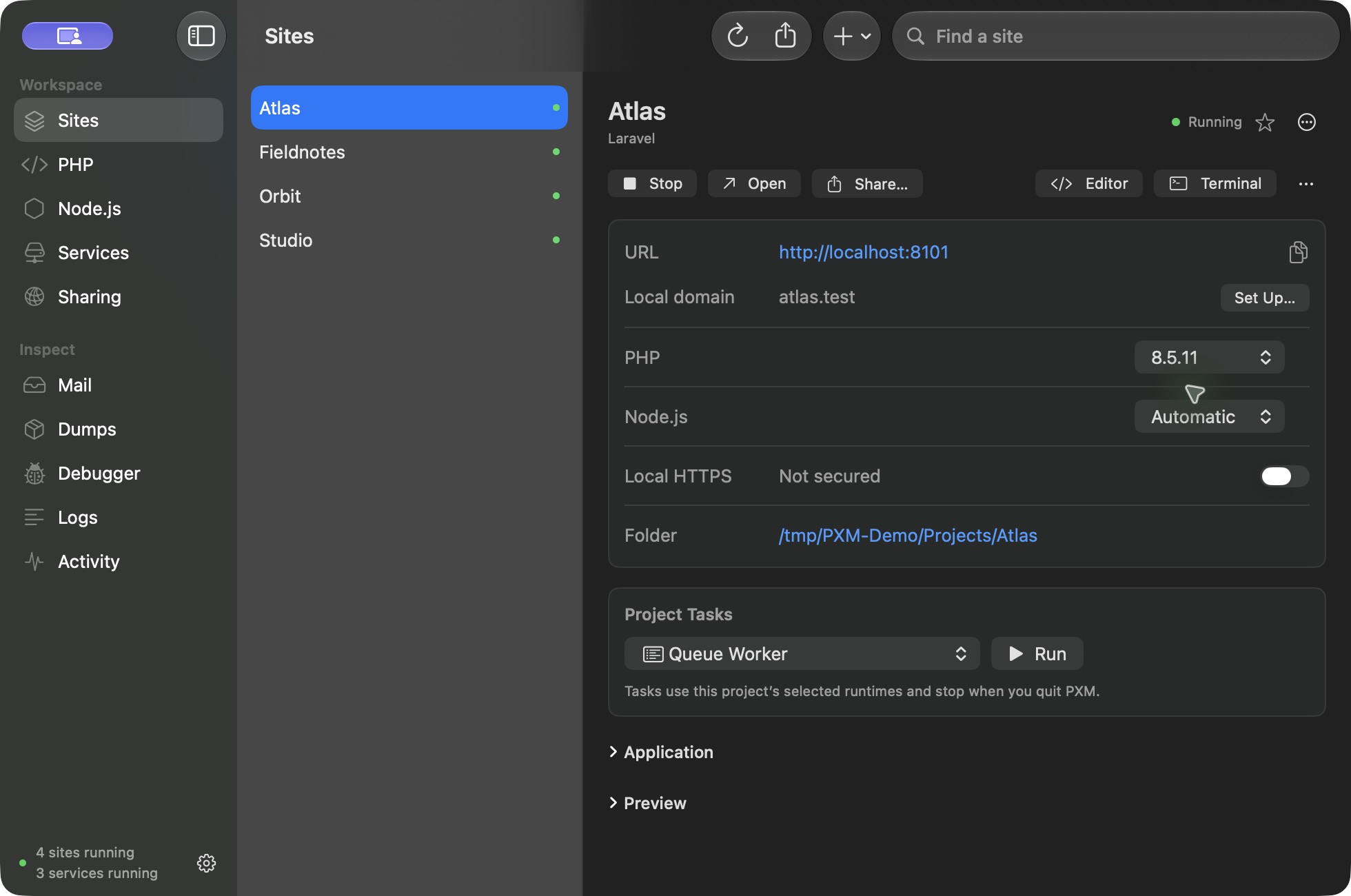
Your workspace is ready.
For macOS 14 or later, on Apple silicon (M1 or later). Start with Free. No account or license key required.
After downloading.
- 1Open the disk image and drag PXM into Applications.
- 2Open PXM. Start with Free, or enter your Pro license key.
- 3Approve the background helper when macOS asks.
It is what makes .test addresses work.
- 4Link your first project and choose its PHP or Node version.
What Free includes.
- Sites with .test addresses and local HTTPS
- PHP 8.2 to 8.5, Node, and Composer
- Laravel creation
- Project tasks
- SPX profiling
- Cloudflare sharing
- The pxm command line and runtime shims
What Pro adds.
- 12 service engines and database adoption
- WordPress creation with its own MySQL
- Mail, Dumps, and Insights
- Xdebug, Tinker, pxm debug and coverage
- Capture commands
- The MCP server for AI agents
Set up your terminal.
Choose Set Up Terminal in the app for a reviewed change to zsh, bash, or fish. Prefer to do it yourself? Add this line to your shell profile:
export PATH="$HOME/Library/Application Support/PXM/shims:$HOME/Library/Application Support/PXM/bin:$PATH"That puts pxm and the eight shims for php, node, npm, npx, composer, corepack, laravel, and cpx on your path. Read the command reference.
Updates you approve.
PXM checks an Ed25519-signed Sparkle feed and tells you when a new version is ready. You choose when to install it. Checking the PHP and Node catalogs never installs or switches a runtime.
Verify your download.
The SHA-256 digest for PXM 0.2.0 is:
f8b605a952a971fd013e840386acce8219f5a9d2d0d5700d662ea498fbf35a53Compare it with the output of shasum -a 256 on the file you downloaded.
Open the getting-started guide · Read the changelog